


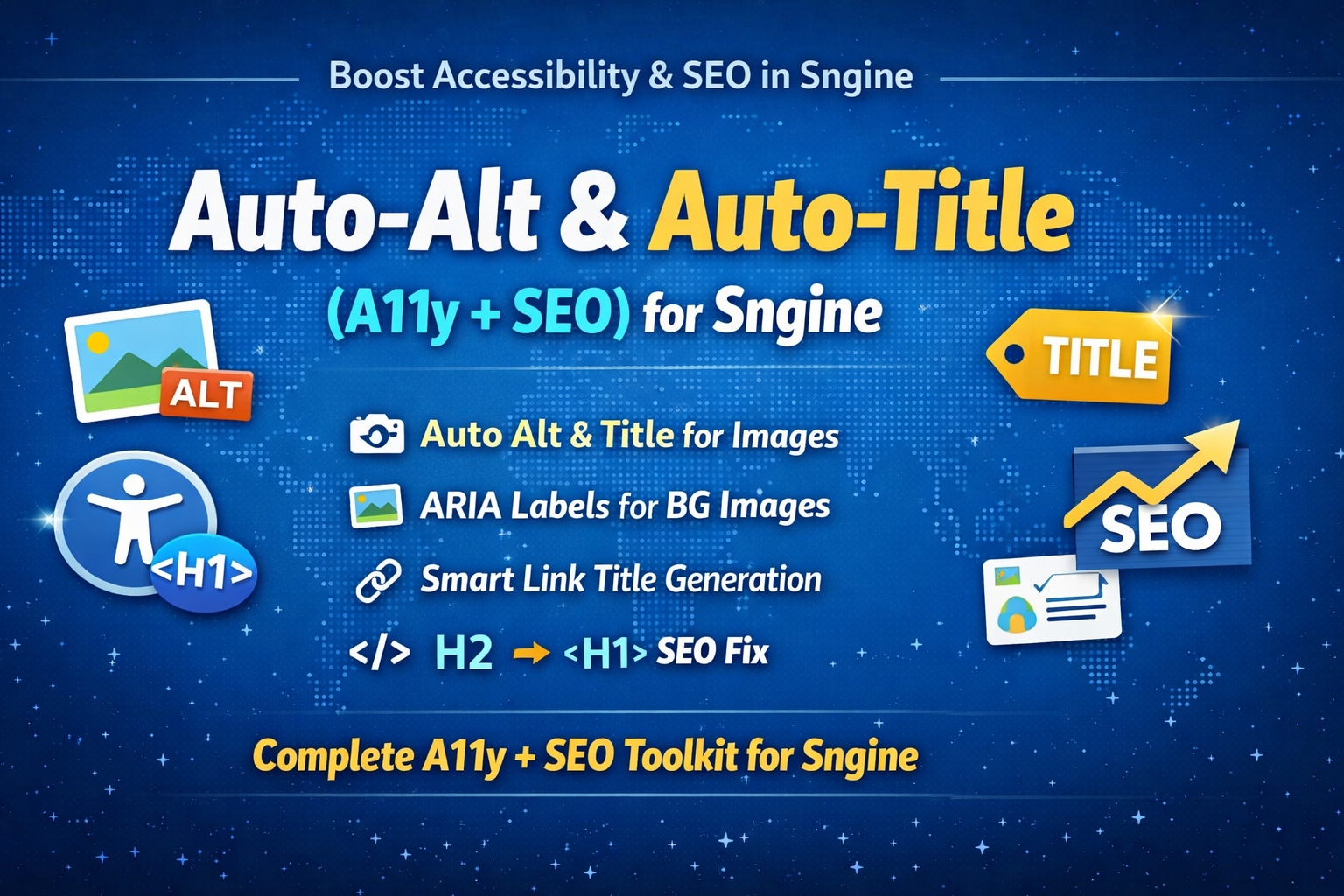
About This Addon
To learn how to install, open the Installation Tab ☝️
Key Features
Automatically adds TITLE attributes to all images
Smart detection for avatars, covers, blogs, posts, products, pages, groups, events
Context-aware text generation using nearby names and titles
Properly skips decorative/icons for WCAG compliance
Adds ARIA labels to all CSS background images
Assigns role="img" for screen readers on background images
Automatically adds TITLE attributes to all links
Smart link titles for profiles, blogs, posts, pages, groups, events, and products
Preserves existing meaningful link titles
Converts H2 page titles to H1 while keeping the same visual styling
Converts H3 blog titles to H1 while keeping the same visual styling
Ensures one H1 per page (Google SEO requirement)
Works on blog listings and blog post views
Works on Pages, Groups, Events, Forums, Market, Jobs, Courses, Games, Movies, Contact pages
Supports AJAX-loaded content (infinite scroll, dynamic feeds)
Uses MutationObserver for real-time processing
Zero server load (100% client-side)
No database changes required
No theme modification required
Lightweight and fast execution
Fully WCAG-friendly accessibility behavior
Improves SEO, accessibility, and usability automatically
Safe to enable/disable instantly via one script include
No reviews yet
Be the first to share your experience!
Installation Guide
How to Install Auto-Alt & Auto-Title (A11y + SEO) for Sngine
Step-by-step installation instructions for Auto-Alt & Auto-Title (A11y + SEO) for Sngine
📦 STEP 1: Upload the JavaScript File
Upload auto-alt.js to:
/includes/assets/js/core/auto-alt.js📝 STEP 2: Edit Your Footer Template
Open: content/themes/default/templates/_footer.tpl
Add this line BEFORE the closing tag:
<script src="{$system['system_url']}/includes/assets/js/core/auto-alt.js"></script>✅ STEP 3: Clear Cache (if you use caching)
If you have caching enabled, clear it.
🧪 STEP 4: Test
Test Images:
- Visit any page on your site
- Right-click an image
- Inspect element
- Look for the alt="..." attribute
Test Background Images:
- Right-click a blog thumbnail or profile picture div
- Inspect element
- Look for role="img" and aria-label="..."
Test Links:
- Hover over any link
- You should see a tooltip with the title
- Or inspect and look for title="..."
Test H2/H3 to H1 Conversion (SEO):
- Test listing pages (H2 → H1):
- Visit /blogs or /pages or /groups
- Right-click the page title (e.g., "Blogs")
- Inspect elementShould see:
- Test blog post view (H3 → H1):
- Visit any individual blog post (e.g., /blogs/123/my-blog-title)
- Right-click the blog post title
- Inspect element
- Visual styling stays the same!
🎯 What It Does
Automatically adds alt and title attributes:
| Image Type | Alt Text Example |
|---|---|
| User avatar (with name) | John's profile picture |
| User avatar (no name) | User profile picture |
| Cover photo (with name) | Jane's cover photo |
| Cover photo (no name) | Cover photo |
| Blog image (with title) | Image from: My Blog Title |
| Blog image (no title) | Blog post image |
| Post photo | Shared photo |
| Product image | Product image |
| Page/Group logo | ScriptsTribe logo |
| Icons/Decorative | (empty - proper accessibility) |
| Generic fallback | Image |
✅ Background Images (background-image:url())
Adds role="img" and aria-label for screen readers:
- Blog thumbnails in listings
- Profile pictures in divs
- Cover photos in divs
- All CSS background images
Adds title attributes to ALL links:
- Uses link text if available
- Smart context detection (profile, blog, post, etc.)
- Examples:
- Profile link: Visit John's profile
- Blog link: Read: My Blog Title
- Post link: View post
- Page link: Visit ScriptsTribe
✅ SEO: H2/H3 to H1 Conversion
Automatically converts page headers for proper SEO:
- Page titles (H2) become h1
- Blog post titles (H3) become h1
- Keeps same styling (with class="h2" or class="mb10 h3")
- Only converts the main page/content title
- Works for:
- Listing pages: Blogs, Pages, Groups, Events, Forums, Market, Jobs, Courses, Offers, Games, Movies, Contact Us
- Blog view pages: Individual blog post titles
- Each page should have ONE H1 (Google requirement)
🎨 Customization
To change the fallback text, edit auto-alt.js lines 12-27:
fallbacks: {
      avatar: {
        withName: "{name}'s profile picture",
        default: "User profile picture"
      },
      cover: {
        withName: "{name}'s cover photo",
        default: "Cover photo"
      },
      blog: {
        withTitle: "Image from: {title}",
        default: "Blog post image"
      },
      post: "Shared photo",
      product: "Product image",
      pageAvatar: "{name} logo",
      groupAvatar: "{name} logo",
      eventCover: "Event cover image",
      decorative: "", // Empty for accessibility
      generic: "Image"
    },
    linkFallbacks: {
      profile: "Visit {name}'s profile",
      blog: "Read: {title}",
      post: "View post",
      page: "Visit {name}",
      group: "Visit {name}",
      event: "View event: {name}",
      product: "View product",
      generic: "Click to view"
⚡ Performance
🔧 Troubleshooting
Q: Images still have no alt text?
- Check browser console for errors
- Verify the file path is correct
- Clear browser cache
- Make sure you added the line to _footer.tpl
Q: Background images (in divs) have no accessibility?
- Right-click → Inspect
- Look for role="img" and aria-label="..."
- These are for screen readers, not visible
Q: Links don't have titles?
- Hover over a link to see the tooltip
- Or right-click → Inspect → look for title="..."
Q: Can I disable it temporarily?
Just comment out the line in _footer.tpl:
Q: Does it work with AJAX-loaded content?
Yes! It uses MutationObserver to detect new images/links.
Q: How do I check if it's working?
- Open browser console (F12)
- Type: document.querySelectorAll('img[alt]').length
- Should show number of images with alt text
- Before script: lower number
- After script: higher number
📧 Support
Built for Sngine by ScriptsTribe
Questions? Join our Facebook group or visit scriptstribe.com
📄 License
Free & Open Source
Created by ScriptsTribe for the Sngine community.
Use, modify, and share freely.
Refund Policy
Refund Policy for Digital Downloads
- The product was not delivered to your account or email within the promised time.
- The product is defective or does not function as described, you requested support, and did not receive support.
- Support could not help you with your issue.
- Refund requests are made within 7 days of purchase, provided the product has not been downloaded.
- Proof of purchase (Order ID, receipt, or confirmation email).
- Evidence of the issue (screenshots, error logs, or other relevant details).
- Evidence that support could not or did not help you.
Refund Policy for Addons & Custom Services
- The service was not initiated within the agreed timeframe.
- We are unable to deliver the service as per the agreement.
- Refund requests are made before significant progress is made on the service.
- Refunds are handled between the seller and the buyer. ScriptsTribe is a marketplace platform and is not responsible or liable for disputes, refunds, or outcomes.
- Filing a PayPal dispute/chargeback without attempting a proper resolution with the addon seller may result in account deletion and you may lose access to re-download the addon(s).
More from JaneMarcia
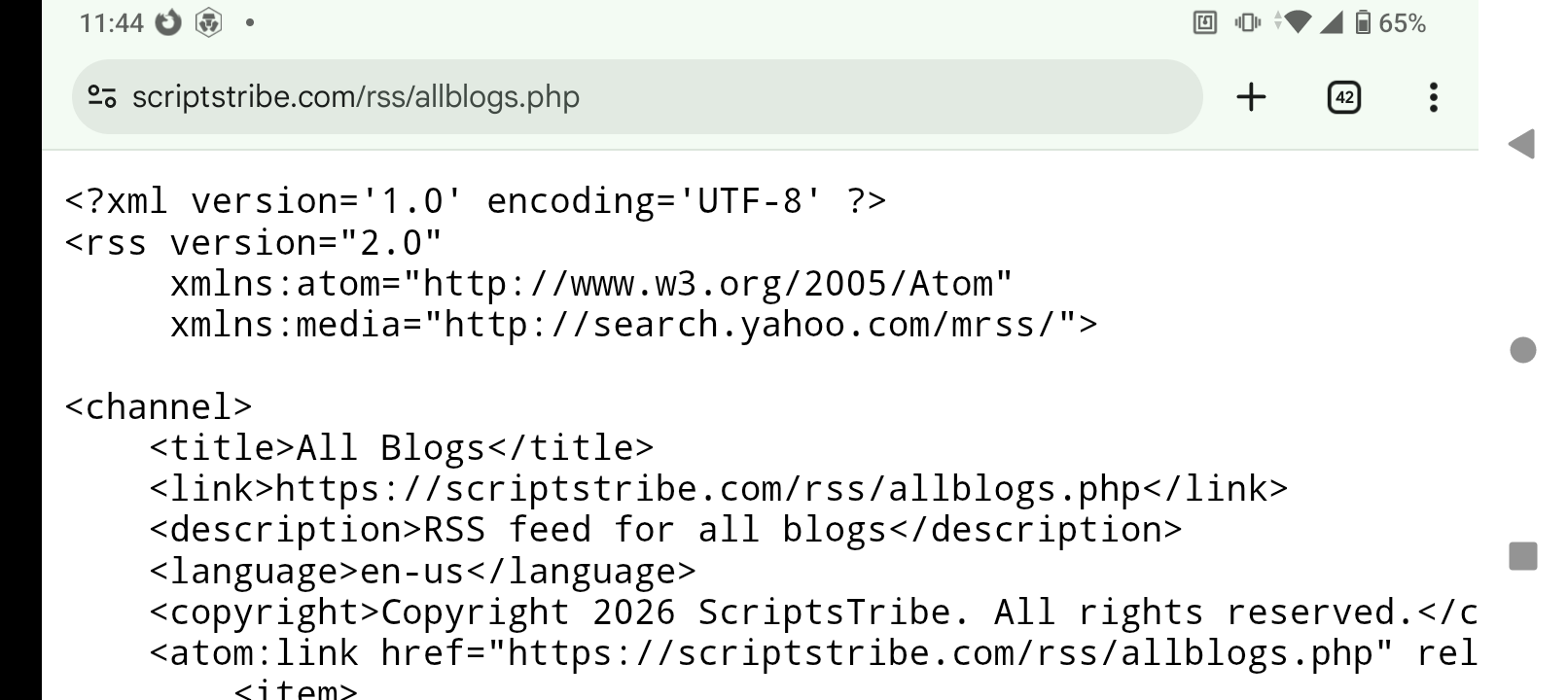
Blog RSS Feed
This is a simple blog RSS php file. Create a folder in your root names RSS...
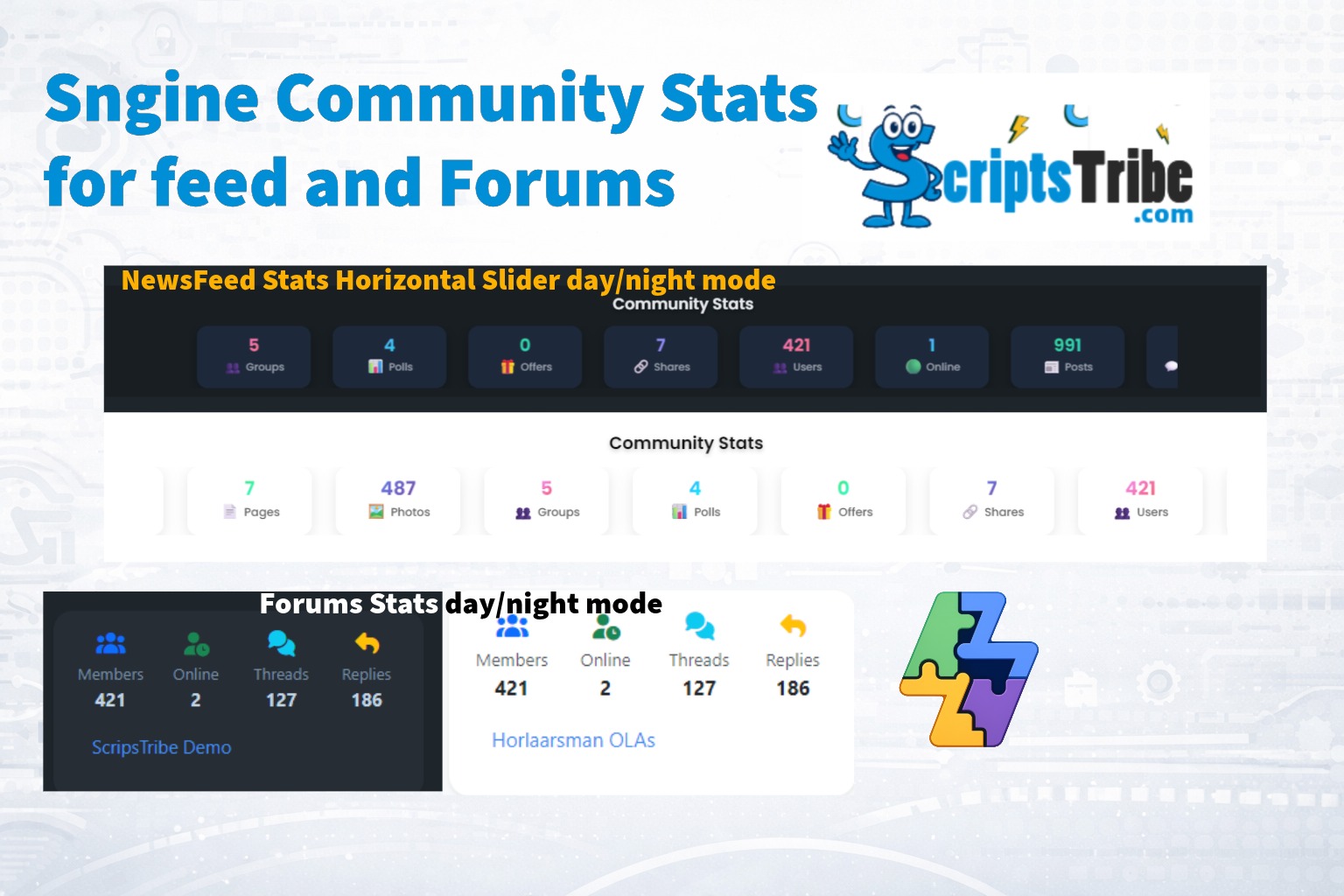
Community Stats
hey guys, made this little stats carousel widget + forum stats block for your...

Money Bear Gift Pack
This cute money bear gift pack is AI generated and copyright free. You can...
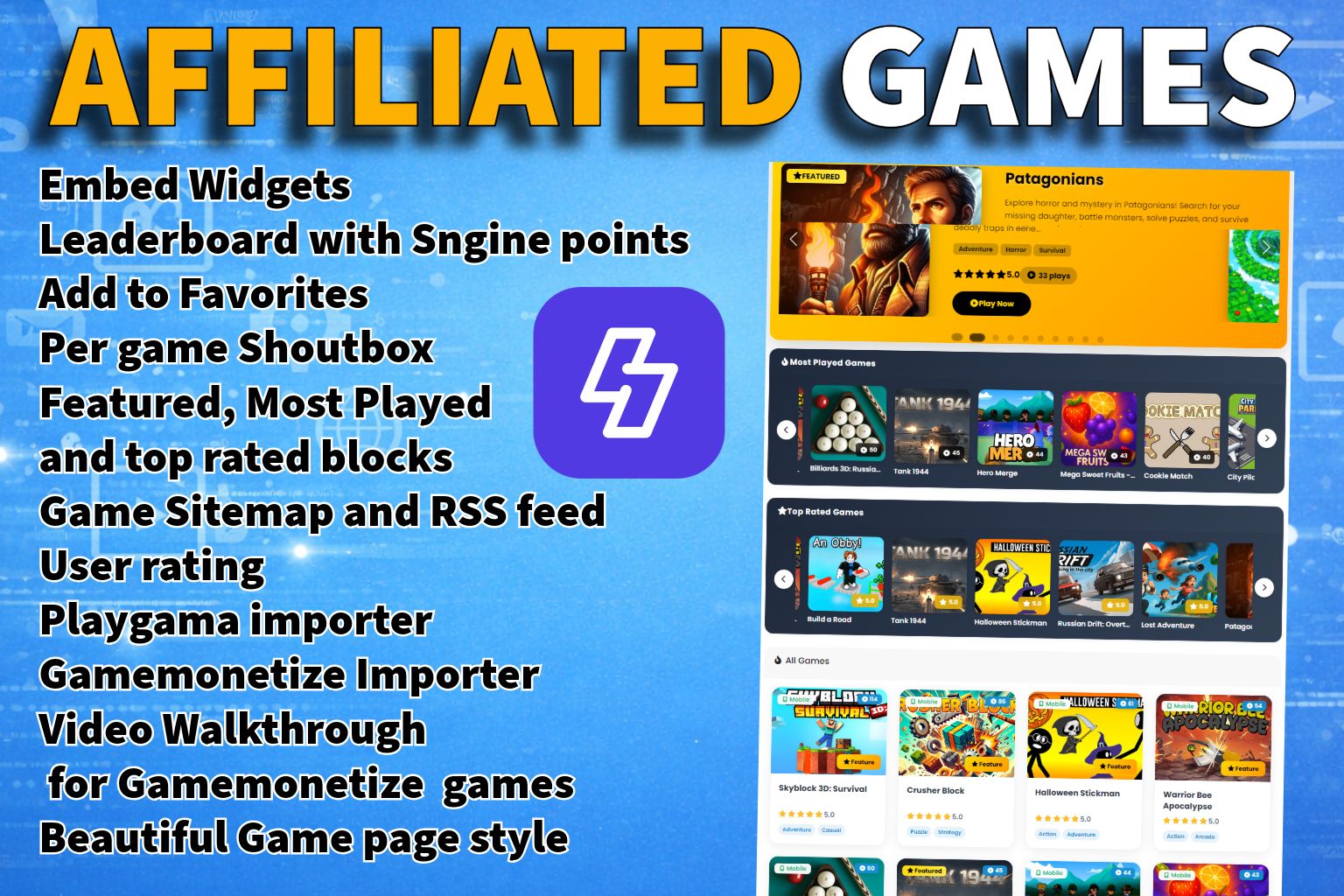
Affiliated Games for Sngine
Compatible with Xngine and Elengine Transform Your Sngine Site into a...
Information
Statistics


 English
 Arabic
 Czech
Czech
 French
 Spanish
 Deutsch
 Turkish
 Dutch
Dutch
 Italiano
 Russian
 Romaian
 Portuguese (Brazil)
 Greek
Greek
