


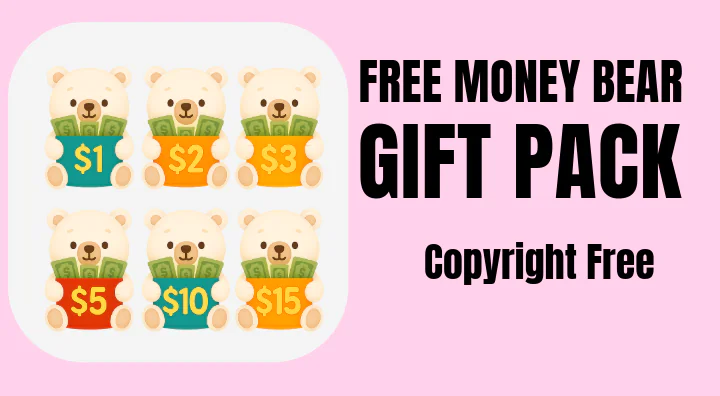
About This Addon
This cute money bear gift pack is AI generated and copyright free. You can use in your site and/or do whatever your wish.
Key Features
This cute money bear gift pack is AI generated and copyright free. You can use in your site and/or do whatever your wish.

Installation Guide
Premium Content
Purchase Required
This installation guide is only available to customers who purchased this addon.
This installation guide is only available to customers who purchased this addon.
Refund Policy
Refund Policy for Digital Downloads
1.1 Non-Refundable Items
All digital downloads are non-refundable once they have been downloaded or accessed.
This policy exists because digital products are intangible and cannot be returned.
1.2 Refund Eligibility
Refunds for digital downloads may only be issued if:
- The product was not delivered to your account or email within the promised time.
- The product is defective or does not function as described, you requested support, and did not receive support.
- Support could not help you with your issue.
- Refund requests are made within 7 days of purchase, provided the product has not been downloaded.
1.3 Proof of Issue Required
To process a refund for defective products, you must provide:
- Proof of purchase (Order ID, receipt, or confirmation email).
- Evidence of the issue (screenshots, error logs, or other relevant details).
- Evidence that support could not or did not help you.
Refund Policy for Addons & Custom Services
2.1 Addons
Refunds for addons follow the same rules as digital downloads:
they are non-refundable after download.
2.2 Custom Services
Refunds for custom services (e.g., installation, customization, or consulting) are only available if:
- The service was not initiated within the agreed timeframe.
- We are unable to deliver the service as per the agreement.
- Refund requests are made before significant progress is made on the service.
Important
- Refunds are handled between the seller and the buyer. ScriptsTribe is a marketplace platform and is not responsible or liable for disputes, refunds, or outcomes.
- Filing a PayPal dispute/chargeback without attempting a proper resolution with the addon seller may result in account deletion and you may lose access to re-download the addon(s).
More from JaneMarcia
Blog RSS Feed
This is a simple blog RSS php file. Create a folder in your root names RSS...
FREE
0.0
Community Stats
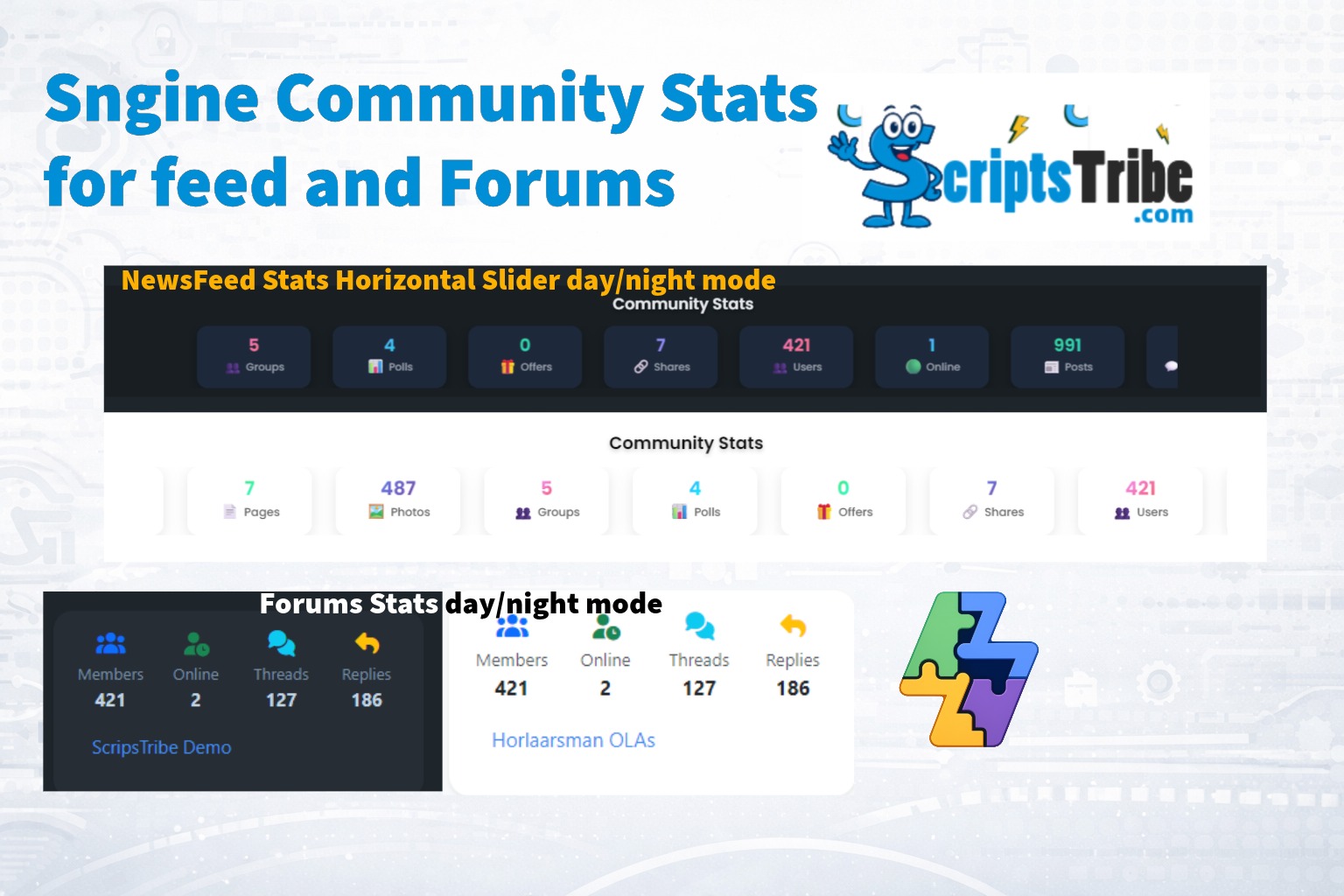
hey guys, made this little stats carousel widget + forum stats block for your...
FREE
0.0
Auto-Alt & Auto-Title (A11y + SEO) for Sngine
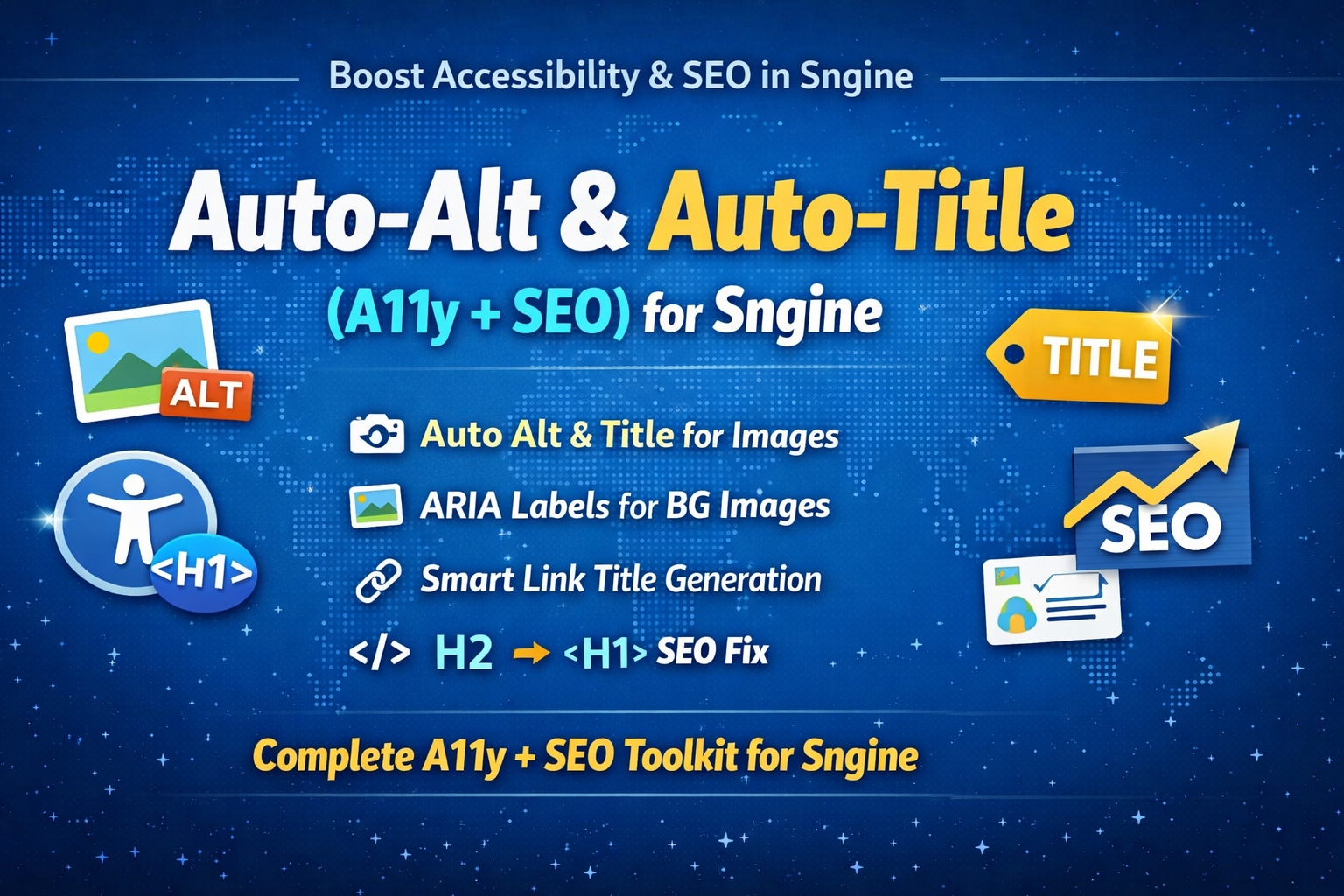
Auto-Alt & Auto-Title for Sngine is a zero-server-load accessibility and SEO...
FREE
0.0
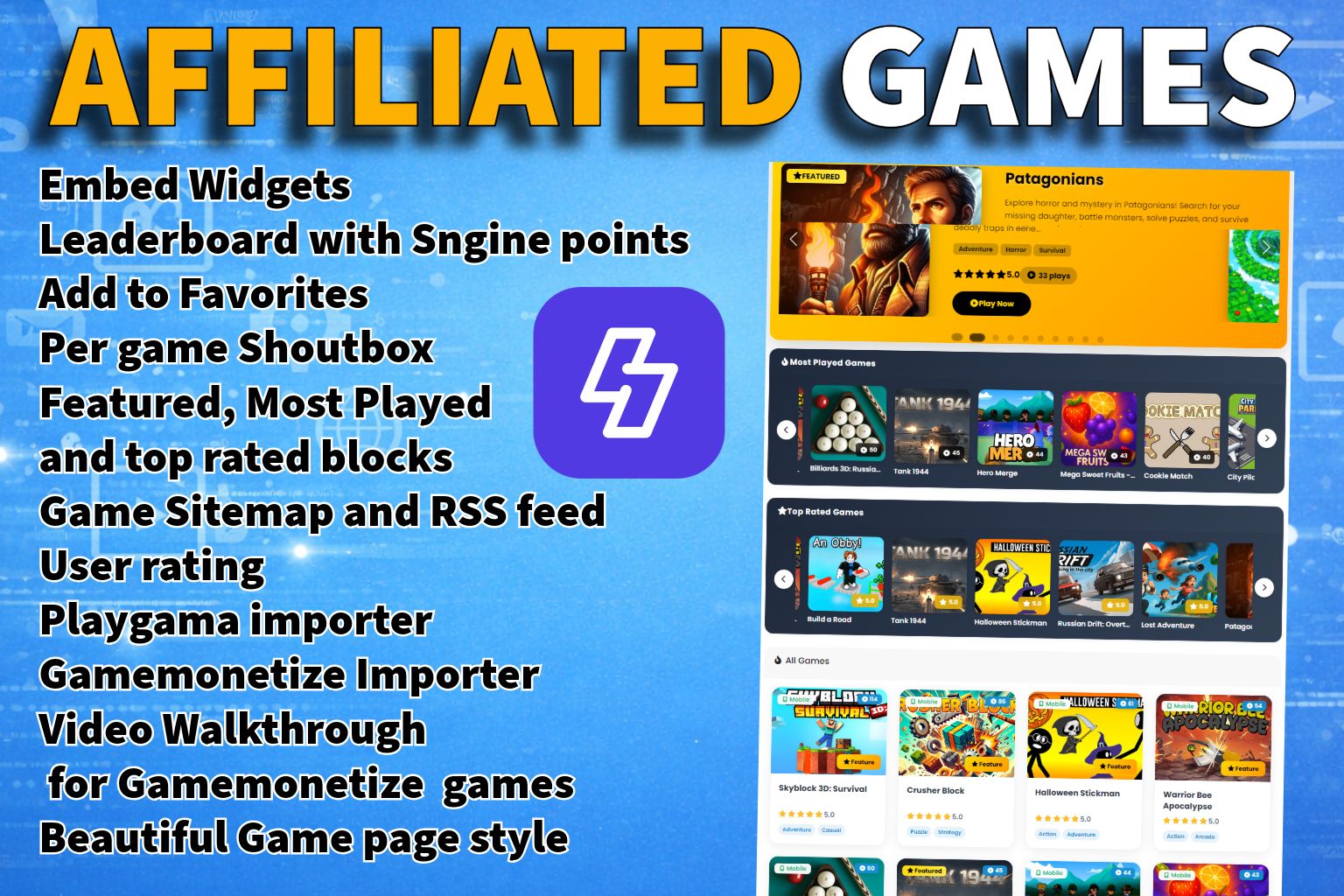
Affiliated Games for Sngine
Compatible with Xngine and Elengine Transform Your Sngine Site into a...
$25.00
5.0
Information
Published
January 21, 2026
Last Updated
September 20, 2026
Version
1.0.0
Category
Gift Packs
Tags:
Gift packs
money gift
sngine
Recent Comments
 aebanksceo
Jan 31
aebanksceo
Jan 31
cant download
Statistics
Downloads
10
Views
942
Rating
5.0
Sales
2

 English
 Arabic
 Czech
Czech
 French
 Spanish
 Portuguese
 Deutsch
 Turkish
 Dutch
Dutch
 Italiano
 Russian
 Romaian
 Greek
Greek

ScriptsTribe
https://scriptstribe.com