


المنتديات
The great place to discuss topics with other users
🔥 Sngine Plugin – Timeline Live (Jitsi Based)
'
📌 Overview
This is a ready-to-use concept + base implementation for a Sngine plugin that allows users to:
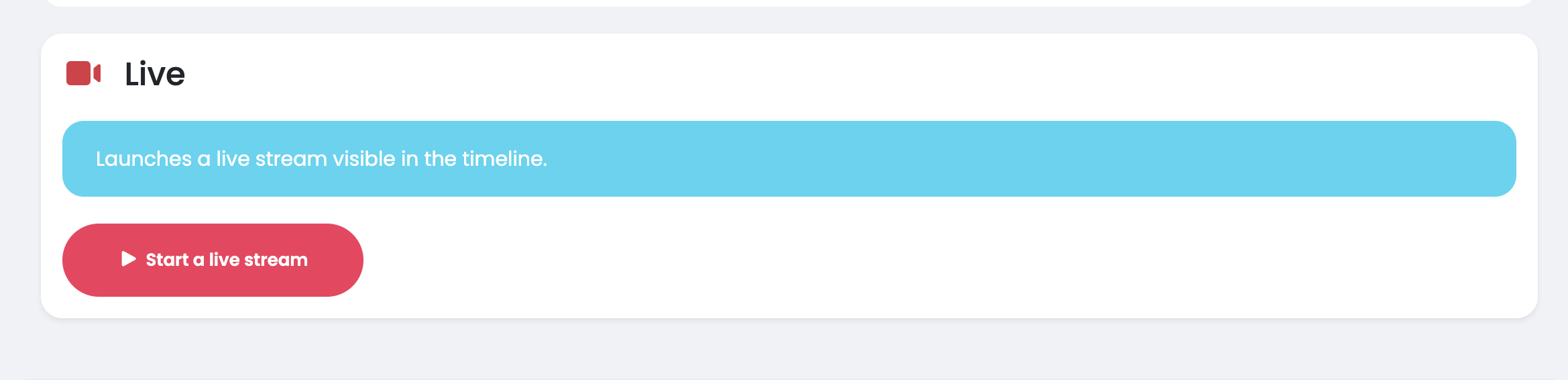
👉 Start a live session directly from the timeline
👉 Create a live post automatically
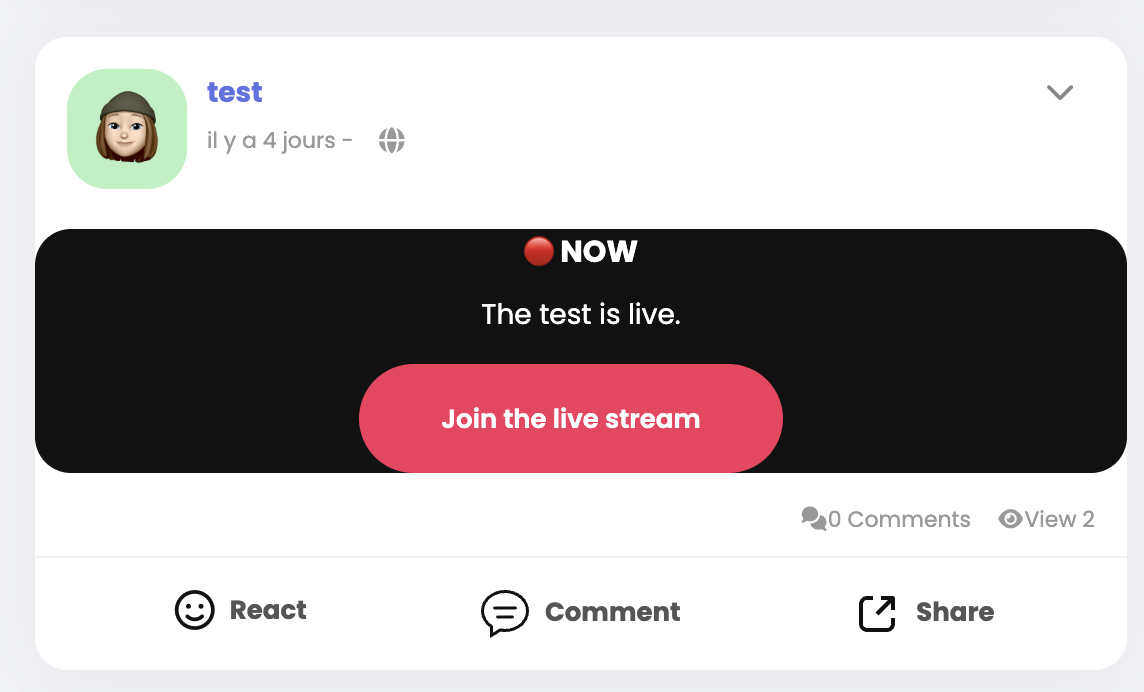
👉 Join the live from the post
👉 Keep comments/reactions native to Sngine
No Agora / No Twilio → Jitsi based (open-source)
🎯 Features
- Start live from timeline (publisher)
- Automatic post creation
- Unique Jitsi room generation
- Live embedded inside the post (iframe/API)
- Join live without leaving timeline
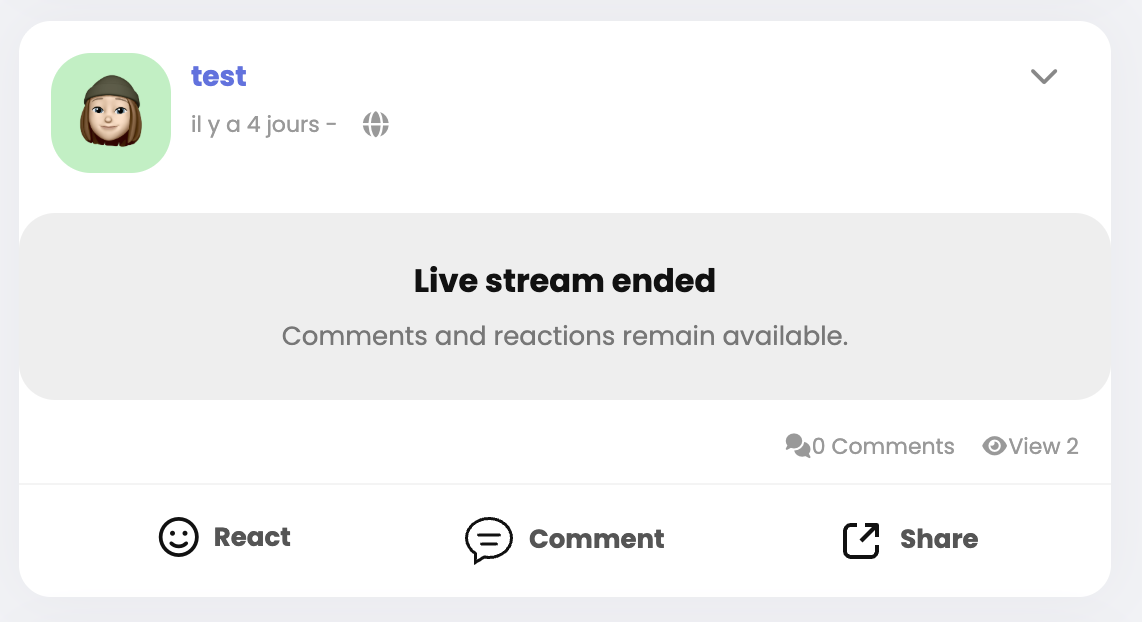
- Owner can end live
- Status:
- LIVE
- ENDED
- No replay (privacy friendly)
- Viewers join muted by default
- Minimal Jitsi UI
📁 Folder Structure
/content/plugins/live_external/
│
├── plugin.php
├── plugin.json
│
├── ajax/
│   ├── create_live.php
│   ├── end_live.php
│   └── get_live.php
│
├── templates/
│   └── custom_feeds_post_live_external.tpl
│
└── assets/
    └── live_external.js
🧩 plugin.json
{
  "name": "Timeline Live Jitsi",
  "description": "Live system inside timeline using Jitsi",
  "version": "1.0",
  "author": "Community",
  "enabled": true
}
⚙️ plugin.php
<?php

/**
 * Timeline Live Plugin
 */

nuonat_plugin_log('live_external loaded');

add_hook('header', function () {
    echo '<script src="/content/plugins/live_external/assets/live_external.js?v=1"></script>';
});
🗄️ SQL
CREATE TABLE posts_live_external (
  id INT AUTO_INCREMENT PRIMARY KEY,
  post_id INT NOT NULL,
  user_id INT NOT NULL,
  room VARCHAR(255) NOT NULL,
  status ENUM('live','ended') DEFAULT 'live',
  created_at DATETIME DEFAULT CURRENT_TIMESTAMP
);
⚡ AJAX – create_live.php
<?php
require('../../../bootstrap.php');

is_ajax();
user_access(true);

global $db, $user;

$room = "live_" . $user->_data['user_id'] . "_" . time();

/* create post */
$post_id = $user->post("I'm live now");

/* insert live */
$db->query("
INSERT INTO posts_live_external (post_id, user_id, room)
VALUES ({$post_id}, {$user->_data['user_id']}, '{$room}')
");

return_json([
    'success' => true,
    'post_id' => $post_id
]);
⚡ AJAX – end_live.php
<?php
require('../../../bootstrap.php');

is_ajax();
user_access(true);

global $db, $user;

$post_id = (int) $_POST['post_id'];

$db->query("
UPDATE posts_live_external
SET status = 'ended'
WHERE post_id = {$post_id}
AND user_id = {$user->_data['user_id']}
");

return_json(['success' => true]);
🎨 TEMPLATE
📁 /content/plugins/live_external/templates/custom_feeds_post_live_external.tpl
{assign var=live value=$post['live_external']}

<div class="live-post-box">

  {if $live.status == "live"}

    <div class="live-badge">🔴 LIVE</div>

    <div id="live-container-{$post['post_id']}" class="live-container"></div>

    <button class="btn btn-primary js_join_live"
      data-room="{$live.room}"
      data-id="{$post['post_id']}">
      Join Live
    </button>

    {if $post['author_id'] == $user->_data['user_id']}
      <button class="btn btn-danger js_end_live"
        data-id="{$post['post_id']}">
        End Live
      </button>
    {/if}

  {else}

    <div class="live-ended">
      Live ended
    </div>

  {/if}

</div>
🧠 JS
📁 /content/plugins/live_external/assets/live_external.js
document.addEventListener("click", function(e) {

  // JOIN LIVE
  if (e.target.classList.contains("js_join_live")) {

    let room = e.target.dataset.room;
    let post_id = e.target.dataset.id;

    let container = document.getElementById("live-container-" + post_id);

    if (!container) return;

    container.innerHTML = "";

    let domain = "meet.jit.si";

    new JitsiMeetExternalAPI(domain, {
      roomName: room,
      parentNode: container,
      width: "100%",
      height: 400,
      configOverwrite: {
        startWithAudioMuted: true,
        startWithVideoMuted: true
      }
    });
  }

  // END LIVE
  if (e.target.classList.contains("js_end_live")) {

    let post_id = e.target.dataset.id;

    fetch("/content/plugins/live_external/ajax/end_live.php", {
      method: "POST",
      headers: {"Content-Type": "application/x-www-form-urlencoded"},
      body: "post_id=" + post_id
    })
    .then(res => res.json())
    .then(() => location.reload());
  }

});
🧩 TEMPLATE INTEGRATION
In:
__feeds_post.tplAdd:
{if $post['post_type'] == "live_external"}
  {include file='custom_feeds_post_live_external.tpl'}
{/if}
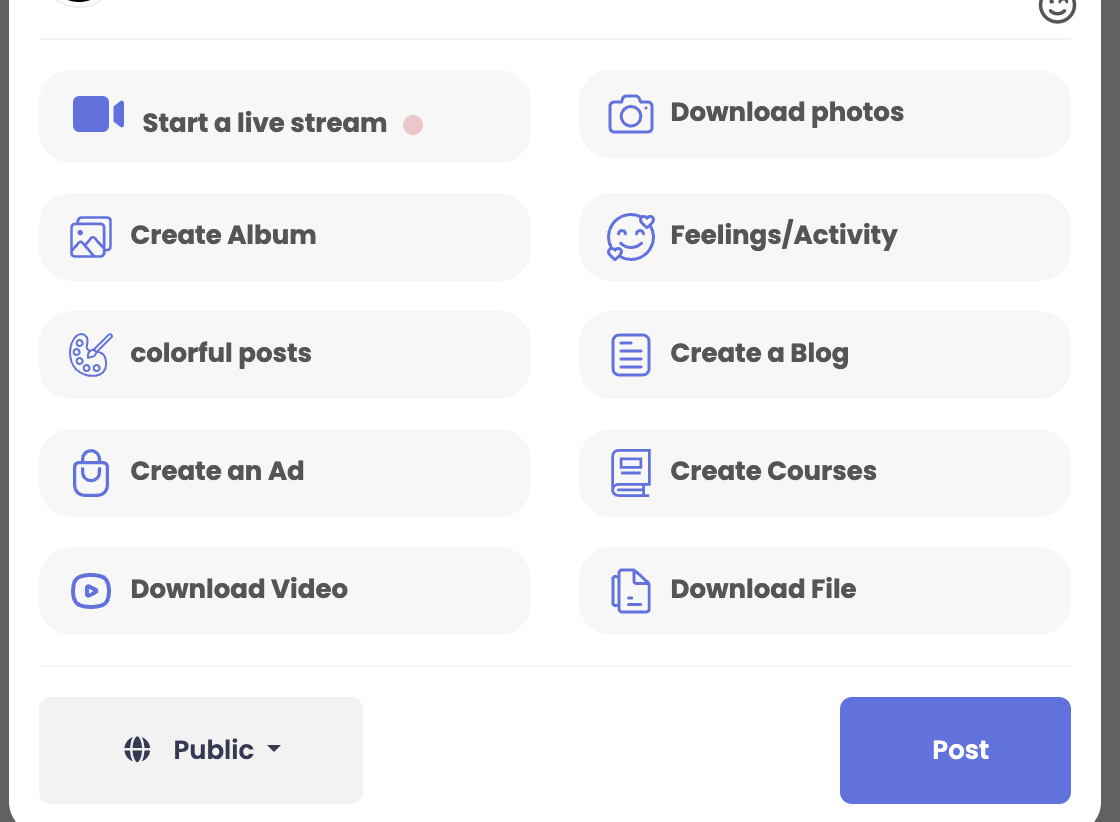
➕ Publisher Button
Add in publisher:
<button id="startLiveBtn">Start Live</button>JS:
document.getElementById("startLiveBtn").addEventListener("click", function() {
  fetch("/content/plugins/live_external/ajax/create_live.php")
  .then(res => res.json())
  .then(data => {
    if (data.success) location.reload();
  });
});
💡 Notes
- Uses Jitsi Meet External API
- No recording by default
- Fully compatible with Sngine timeline
- Does NOT modify core live system
- Can be extended (notifications, permissions, moderation…)
🚀 Goal
Provide a simple, lightweight and open-source live system directly inside Sngine timeline.
👀 Looking for
- Feedback
- Improvements
- Security review
- Performance optimization
- UI improvements
👉 This can become a real alternative to Agora/Twilio integration inside Sngine.

✅ Where to add the "Start Live" button
In Sngine, the publisher is located in:
/content/themes/default/templates/_publisher.tplYou need to add the button inside the publisher actions area (where Photo, Feeling, etc. are).
Example:
<button type="button" class="btn btn-sm btn-danger ml5" id="startLiveBtn">
  🔴 Live
</button>
✅ Where to add the JavaScript
Do NOT add JS inline in the template.
Use your plugin JS file:
/content/plugins/live_external/assets/live_external.jsThen add this code inside it:
// START LIVE
document.addEventListener("DOMContentLoaded", function() {

  let btn = document.getElementById("startLiveBtn");

  if (!btn) return;

  btn.addEventListener("click", function() {

    fetch("/content/plugins/live_external/ajax/create_live.php", {
      method: "GET"
    })
    .then(res => res.json())
    .then(data => {
      if (data.success) {
        window.location.reload();
      }
    });

  });

});
✅ Important: Load Jitsi API
You must load Jitsi External API, otherwise the live will not work.
Update your plugin.php:
add_hook('header', function () {
    echo '
    <script src="https://meet.jit.si/external_api.js"></script>
    <script src="/content/plugins/live_external/assets/live_external.js?v=1"></script>
    ';
});
✅ Template location (important)
Sngine does NOT load templates from plugin folders automatically.
So instead of:
/content/plugins/live_external/templates/You must place the file here:
/content/themes/default/templates/custom_feeds_post_live_external.tpl✅ Feed integration
Edit:
/content/themes/default/templates/__feeds_post.tplAdd:
{if $post['post_type'] == "live_external"}
  {include file='custom_feeds_post_live_external.tpl'}
{/if}
⚠️ Important fix (post type)
Your current code:
$post_id = $user->post("I'm live now");This creates a normal post.
You must force the correct type:
$post_id = $user->post("I'm live now");

$db->query("
UPDATE posts
SET post_type = 'live_external'
WHERE post_id = {$post_id}
");
⚠️ Important: load live data into post
By default, $post['live_external'] does not exist.
You need to attach it when posts are fetched.
Quick working solution:
Edit:
/includes/class-user.phpInside post fetching loop:
$get_live = $db->query("
SELECT *
FROM posts_live_external
WHERE post_id = {$post['post_id']}
LIMIT 1
");

if ($get_live->num_rows > 0) {
    $post['live_external'] = $get_live->fetch_assoc();
}
✅ Summary
- Publisher button →
_publisher.tpl - JS →
/content/plugins/live_external/assets/live_external.js - Template →
/content/themes/default/templates/ - Feed hook →
__feeds_post.tpl - Load Jitsi API →
plugin.php - Force
post_type = live_external - Attach live data to post
🔒 Small security improvement
Instead of:
$room = "live_" . $user->_data['user_id'] . "_" . time();Use:
$room = "live_" . $user->_data['user_id'] . "_" . bin2hex(random_bytes(5));If needed, I can help you build a production-ready version with:
- No core modification
- Proper hooks
- Auto-start live (no join button)
- Viewer counter
- Permissions (friends/public)
- Real-time status updates
Just tell me 👍


 English
 Czech
Czech
 French
 Spanish
 Portuguese
 Deutsch
 Turkish
 Dutch
Dutch
 Italiano
 Russian
 Romaian
 Portuguese (Brazil)
 Greek
Greek
